The Top 5 Mistakes That You Want to Avoid as a Beginner Programmer.
Mistakes that can cost you fortune as a beginner programmer
Let’s be honest — every developer has made some cringe-worthy mistakes when starting out and so do I. Maybe you wrote spaghetti code that even you couldn’t understand the next day.
I remember my manager saying to me that you have written very bad code when I spent my whole day learning and implementing it, but after a month or two when I saw it I said the same thing “Ewww Neha, This is bad code” to myself.
Sometimes I copied code from Stack Overflow without understanding how things work. 😅
If you’re just starting, don’t worry — I’ve been there. We all have. But knowing what NOT to do can help you learn faster and avoid unnecessary struggles. So let’s dive into the most common mistakes I made as a complete beginner that you Must avoid.
1. Trying to Learn Too Many Languages at Once 🌍

This is a universal problem, Not only me I have seen thousands of students or early-age professionals doing this.
I thought “The more languages I know, the better!” But that’s a trap. Learning JavaScript, Python, C++, and Rust all at once left me as a beginner of all but expert of none
What to Do Instead:
- Choose one language (JavaScript, Python, or Java are great starters).
- Master the fundamentals before moving on. Don’t be in a rush get your concepts clear.
- Once you’re confident, learning a second language will be 10x easier but ask yourself why you have to learn 10 different things why not build projects and showcase your talent and be the expert.
2. Writing Code Without Understanding It 🤖
Copying code from Stack Overflow or even now ChatGPT without knowing how or why it works is a recipe for disaster. If something breaks, you’ll have no idea how to fix it. Debugging skills > Copy-paste skills.
Yesterday, only I took one mock interview and the candidate told me that “He used chatGPT for debugging and I am like Whattt??”
What to Do Instead:
- Before using someone else’s code, explain it to yourself. Take advantage of AI or documentation here and learn what is happening.
- Use logs print statements or a debugger to see what each line does.
- Challenge yourself: Write the same logic from scratch without looking! or using AI
3. Avoiding Debugging Because “It’s Too Hard” 🛠️
Look, debugging is not optional. Every programmer spends more time fixing bugs than writing new code. Harsh truth of life. If you don’t learn to debug, you’re setting yourself up for frustration as in an interview you won’t have any tools apart from your skills.
How to Get Better at Debugging:
- Use console.log() (or print statements) to trace your code.
- Learn to use the debugger tool in your IDE (Cursor, VS Code, Chrome DevTools, PyCharm). It’ll initially take some time to setup but after that a sorted life.
- Instead of blindly making changes, analyze what’s going wrong first.
4. Not Using Version Control (Git) from Day 1 🔄
One day, you’ll break your project so badly that you wish you had a save button. That’s what Git is for. You must know some of the basic commands and save yourself from upcoming frustration.
✅ How to Get Started:
- Learn basic Git commands:
git init,git commit,git push. and then build upon this. - Use GitHub, GitLab or BitBuket to store your projects.
- Commit often — so you can roll back if needed. Don’t commit the whole code at once. If something goes wrong then you have to roll back the whole code.
5. Ignoring Code Readability 😵💫
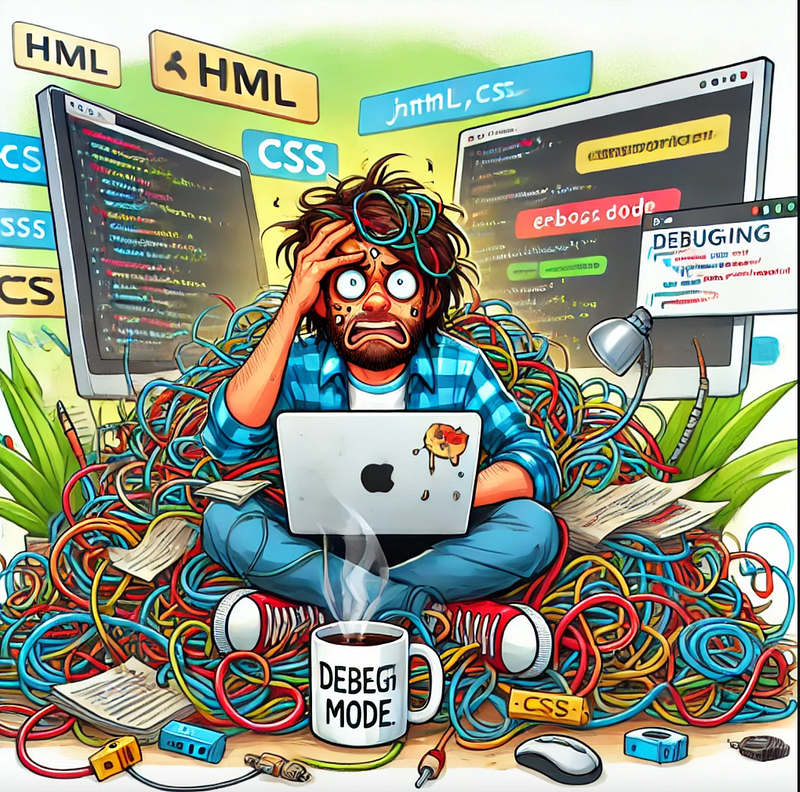
Messy, unstructured code isn’t just bad — it’s unreadable, even to you. Future You will hate Present You if you don’t start writing cleaner code today. Take more time but write cleaner code use tools like prettier to help you with indentation and a proper code structure.
✅ How to Write Clean Code:
- Use meaningful variable names (
userAgeis better thanx). - Modularisation: Break code into functions instead of one long script.
- Follow best practices (read “Clean Code” by Robert C. Martin).
Conclusion
Before concluding I want to mention a most important point-
Thinking You’ll “Never Be Good Enough” 💡
Imposter syndrome is real — but don’t let it stop you. Even I face this after these many years of experience and you know it’s part of the process. The key is to keep learning, keep coding, and keep going.
Always Remember:
- You don’t need to know everything — just enough to solve problems.
- Compare your progress to your past self, not to others.
- The best devs keep learning — so keep going!
Every beginner makes mistakes as I did — it’s part of the journey. But if you avoid these common pitfalls, you’ll learn faster, build better projects, and become a confident programmer sooner. Like Me 😎 Just Kidding
🔥 What’s the biggest mistake you made as a beginner? Drop it in the comments — I’d love to hear your story!
Interested in joining a like-minded set of peers, Connect with us
👉 Join our free WhatsApp community on Career Guidance. Here you’ll get access to job openings, community guidance, updates on the latest technology and many more.
At Dev Simplified, We Value Your Feedback 📊
👉 If you like the article, then please support us by clapping for this article.
👉 Have any suggestions? Let us know in the comments!